
Back to product
Support
AudioDjin Support
Use this page for setup help, troubleshooting, and contacting Niente Da Dire about this app.
Last updated:
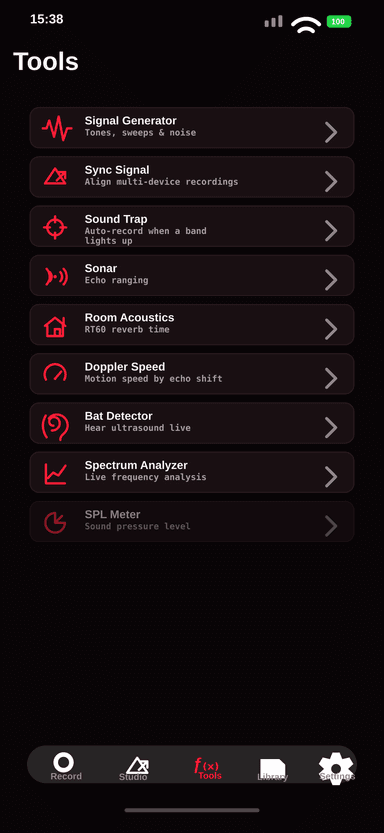
AudioDjin
Pocket audio studio and spectrogram for iPhone.
Before contacting support
- Update to the latest available app version and iOS version supported by your device.
- Check that the required iOS permissions are enabled in Settings.
- Restart the app and retry the smallest workflow that reproduces the issue.
Purchases
- Purchases and refunds are managed by Apple.
- If an unlock is not visible, confirm that you are signed in with the Apple ID that made the purchase and use the restore purchases option in the app.
- Niente Da Dire does not receive or store payment card details.
Exports and files
- Large recordings or exports may take time and require enough free device storage.
- If sharing fails, try exporting to Files first, then share from the Files app.
- Do not delete local sessions until you have confirmed that exported files open correctly in the destination app.
Need help?
Include the app name, iPhone model, iOS version, what you expected to happen, and the exact steps that reproduce the issue.